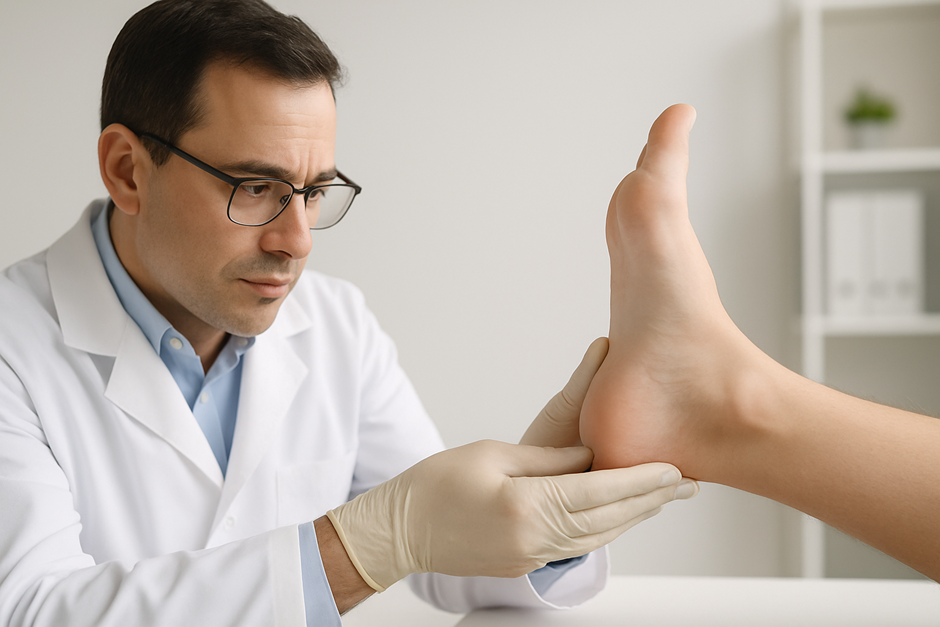
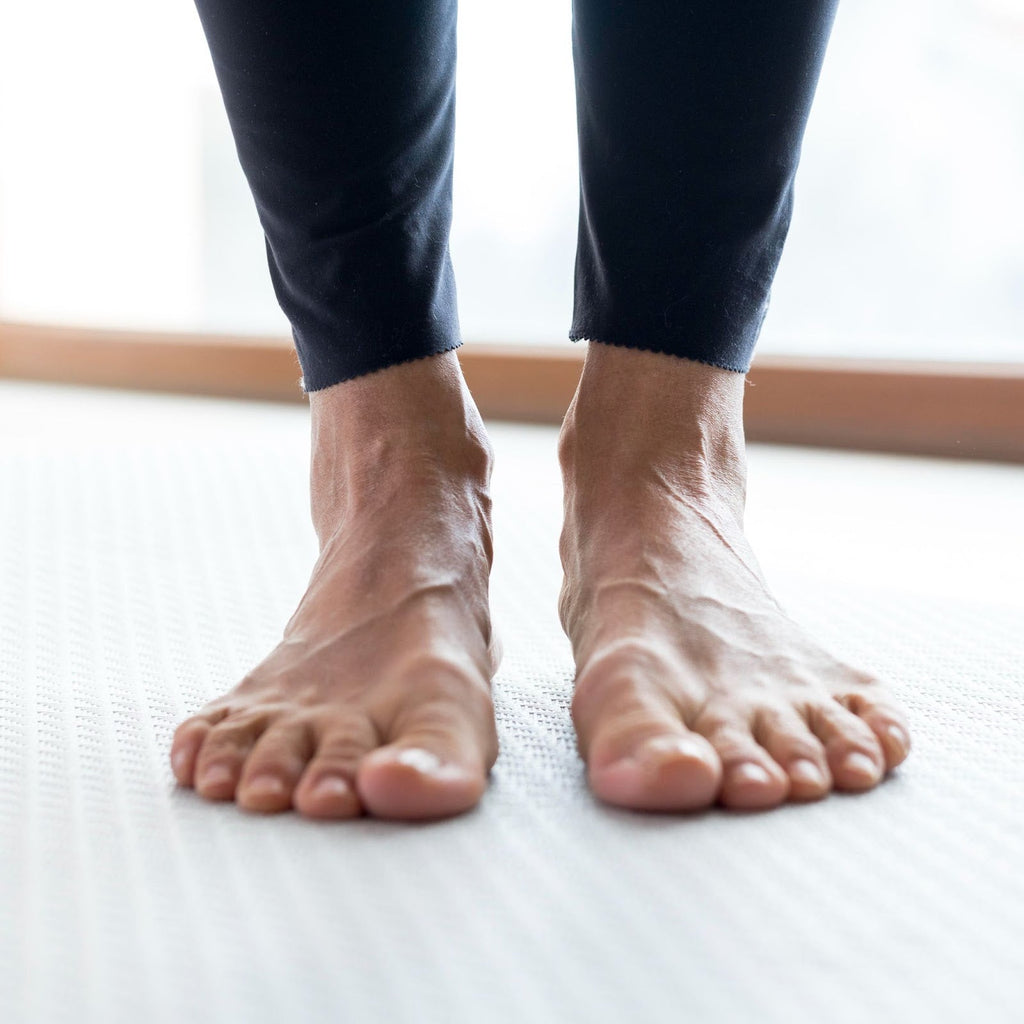
Post Purchase Information

Dr. Zac Cartun, MD
Doctor of Medicine
Thank you so much for your purchase! It means a lot to us that you're making the decision to trust Stride Soles with your health. This page is meant to act as a guide for any questions you may have between the time of your purchase and when your custom orthotics are delivered.
For questions pertaining to post delivery topics, please see our Getting Started Guide.
Built Truly Custom For You
In the days immediately after your purchase, your Strides are in their pre-production phase. This is where we need a bit more information from you to pair with the information you provided to us in the quiz before your purchase. Part of what makes Stride so unique is that we use our own proprietary technology to ensure your orthotics have the best possible fit to your foot.
A few minutes after your purchase you should expect to see an email from me, Dr. Zac Cartun with the subject line "Here's what we need from you" and your first name. This email contains the code you will need to log in to the mobile app to get started.
For your convenience, the links to download the app are here as well as in the email, but please note for the best possible outcome, we request that you complete this process on a mobile device (Smartphone/iPad/Tablet).
As an additional note, please make sure to check your spam folder for the email with the code, sometimes they can wind up there.Once you've logged into the app for the first time and selected "start scanning" you should see a list of tasks. The first of which being a prompt to scan your feet. This is a very important step, it's how our team is able to create the render of the bottom of your foot that we then use to map your custom orthotics precisely to your feet.
The app will walk you through the scanning process once you've elected to start your scan, but here are a few best practices for you to keep in mind to ensure your scans are quick and easy.
- Place the device on a stable surface
- Ensure the best lighting you can
- Make sure to keep the foot still — hold on to your leg with your hands if you need
- Make sure your foot is fully within the outline on the screen
The next step is for you to record and submit a brief video of yourself walking back and forth, you'll see the prompt to complete this step in the app as well. This step is also incredibly important, as it helps our team see how you move. Everyone walks differently, and we need to make sure your orthotics are created with your exact gait considered.
The app will also walk you through this process, and I've included some best practices for your video here as well.
- Ensure your device is positioned against a stable surface (like a wall)
- Ensure the best lighting you can
- Make sure the camera is pointed straight ahead. We want to capture your full lower body from your hips to your feet.
- While walking, try to keep your stride relaxed and consistent
I also recorded a video walking you through how to best record this video. It's posted below.
The last step in this process is for you to complete what we call your fit profile. You'll see it as the last step in the app, and we use it to further inform the medical team about your exact foot measurements, your orthotic history and preferences, and what kind of shoes you plan to wear the orthotics in.
The link to that form is here: Complete Your Fit Profile
If you have sent everything and you still haven't heard from us after 5 days, please email us at team@stridesoles.com with your order number if we haven't reached out to you already.
I completely understand if this process feels like a lot. I won't lie to you and say that we don't ask for a lot of information, however it's what makes Stride unique. Every pair is created based on you specifically. Your pains, your goals, your scans, the way you walk, your measurements, your preferences, your orthotic history, and so much more. Capturing all of this information is how we make sure that every pair of Strides that get put into a pair of your shoes have been built solely for you.
Thanks again for your trust in us. Below, we have answers to some of the questions we get the most before people receive their orders.
Frequently asked questions
TPU Shell: This layer makes up the base of your orthotic. TPU Shell stands for Thermoplastic Polyurethane Shell, and it's custom shaped to the contours of your foot. We chose this material for the base because it's firm, durable, and won't compress over time the way a foam-only insole would. Additionally, it's why your Strides will feel noticeably firmer than orthotics you've tried from a store shelf. It's by design.
EVA Foam Layer: This is the middle layer. It's made out of EVA Foam, or Ethylene-Vinyl Acetate Foam. It sits on top of the TPU Shell, and was chosen to ensure we can still provide comfort for all-day wearability without sacrificing any of the structural integrity underneath.
Vegan Leather Layer: This is the top layer, the surface your foot actually touches. It's a layer of vegan leather chosen for durability, breathability, sustainability, and built to hold up over hundreds of thousands of steps.
If you can't find it in your spam folder either after 30 minutes, please reach out to us at team@stridesoles.com and we will send you your code manually.
- Ensure the device is on a flat, stable surface.
- Keep your foot still. Hold on to your leg with both hands if you need to.
- Ensure the lighting in the area you are using is as good as possible.
- Restart the app.
- If none of the above work, uninstall and reinstall the app.
- Ensure the foot is fully within the outline shown on the screen.
- Ensure the lighting is as good as possible — no shadows, they can interfere with scans.
- Restart the app or device.
- If none of the above work, uninstall and reinstall the app.
If you are within these windows please be patient. We send out periodic emails with your product progress as it goes through the manufacturing process, so please be on the lookout for those.
We design all Stride orthotics in our podiatry clinic in Baden-Württemberg, Germany. Note that the orthotics printed in Germany are sent to a central distribution center in the U.S. prior to USPS delivery.
You can log in to your account at any time to see the status of your order. Account Login Link
The tracking number you get is that final number from our distribution center to you. The reason it takes longer for these codes to be updated is because it's the last step of our process, and to be updated, your orthotics would have already passed to the USA from Germany, which takes around 10–15 days.
If that time period has gone by and your Strides still don't feel right, please reach out to us at team@stridesoles.com and we will be happy to discuss options with you.
Please do not wait 21 days if your Strides arrive damaged or show signs of physical defection. Let us know immediately if that is the case.
Still have a question?
Dr. Zac or Greg answers every email personally. Reach out at team@stridesoles.com
Medical References
Research notes that long-term orthotic efficacy is closely tied to proper maintenance and patient compliance with wear protocols, as degraded devices lose their biomechanical correction properties over time.
Source: Long-Term Orthotic Efficacy Systematic Review (PMC, 2021).
Reviewed for clinical accuracy by Dr. Zac Cartun, MD, Chief Medical Officer at Stride Soles. Last reviewed April 2026. This article is for informational purposes and is not a substitute for medical advice from a licensed clinician.